Comparing Claude for Legal and Draftwise: Which Legal AI Tool is Right For You?
Comparison
Claude for Legal
Claude for Legal is Anthropic's legal-industry offering, built on Claude's AI models and extended with practice-area plugins, workflow agents, and connectors to legal systems, plus Claude for Word, helping legal teams research, review, and draft across many practice areas.
Draftwise
Draftwise is a purpose-built AI platform for transactional lawyers that applies firm-wide precedent to contract drafting, negotiation, and risk review, helping teams work from the firm’s best language and positions in every deal.
What is
Claude for Legal
?
It layers practice-area plugins (including Commercial, Corporate, Employment, Privacy, Litigation, IP, Regulatory, and AI Governance), a library of named workflow agents, and MCP connectors to legal systems such as Westlaw (through Thomson Reuters CoCounsel), iManage, NetDocuments, DocuSign, and Everlaw on top of the underlying Claude models. Through the Claude for Microsoft 365 add-ins, it also brings contract review and drafting into Word, Excel, PowerPoint, and Outlook, landing edits as tracked changes for attorney review. Anthropic states that Claude's legal outputs are a draft for attorney review and that its plugins apply conservative defaults on privilege. This reflects Claude's underlying design. Legal capability is added to a general-purpose model via plugins and connectors, rather than built from the ground up around a single workflow, such as contract drafting.
Claude for Legal
Features
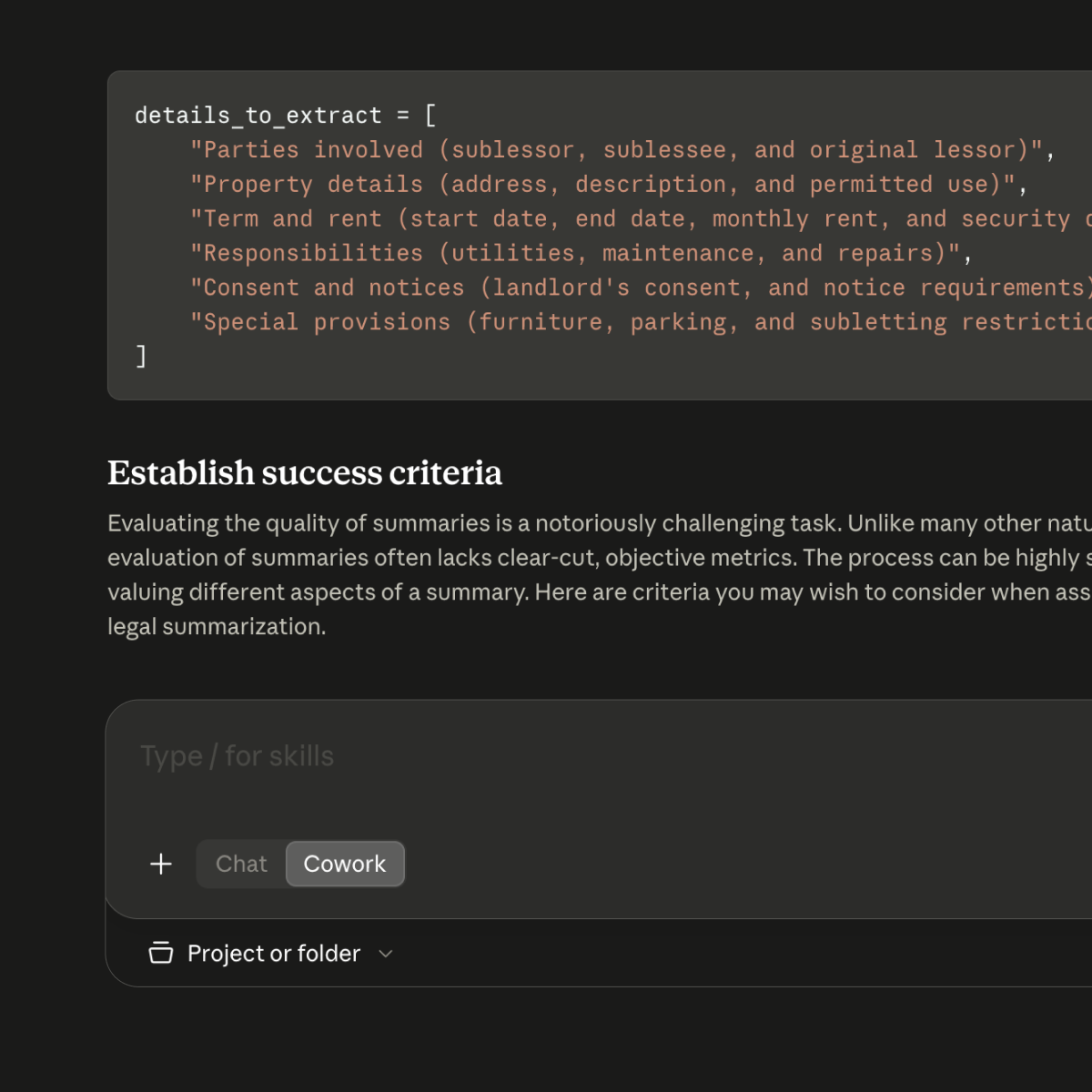
- Practice-area plugins: Bundles of legal skills for specific domains, including contract review, employment, privacy, corporate, and AI governance, layered on top of the base Claude model.
- Workflow agents: Pre-built agents (e.g., Vendor Agreement Reviewer, Termination Reviewer, DSAR Responder) that run defined, end-to-end tasks with a single command.
- Claude for Word: An in-Word assistant for reviewing, redlining, and drafting contracts, landing edits as tracked changes for lawyer review.
- Connectors to legal systems: MCP connectors to tools like Westlaw (via Thomson Reuters CoCounsel), iManage, NetDocuments, DocuSign, and Everlaw, so Claude can work with documents and data that a lawyer selects or that an admin configures access to. These connectors query the source system on demand and return whole documents; they do not build a firm-wide index.
- Cowork orchestration: Coordinates multi-step, multi-agent workflows across research, drafting, and review within a single session.
Strengths
- Covers a broad range of legal work beyond contracts, including research, compliance, eDiscovery, and litigation support
- Built on a general model with a large context window, useful for reviewing lengthy documents in a single pass
- Deep and growing connector ecosystem across many of the systems legal teams already use
- Backed by rapid, well-resourced product investment from Anthropic, with frequent plugin and connector additions
Considerations
- Legal capability is layered onto a general-purpose model via plugins and connectors, and is not purpose-built end-to-end around one workflow
- Access to a firm's own precedent and deal history is limited by which connectors and documents are configured or selected, and is not applied automatically by default
- Broad coverage across practice areas means less specialization in transactional contract drafting specifically, compared to purpose-built tools
- As with any general-purpose AI, outputs are explicitly positioned as drafts requiring attorney review, and case law or citations still need independent verification
What is Draftwise?
Draftwise is purpose-built for transactional lawyers, supporting contract drafting, negotiation, and risk review. It parses the firm's precedent into clauses, definitions, and positions and indexes them so the firm's knowledge is structured and searchable. Rather than retrieving whole documents on demand, it applies that knowledge as lawyers draft, putting the firm's own precedent into the draft itself, with citations back to the source.
Draftwise Features
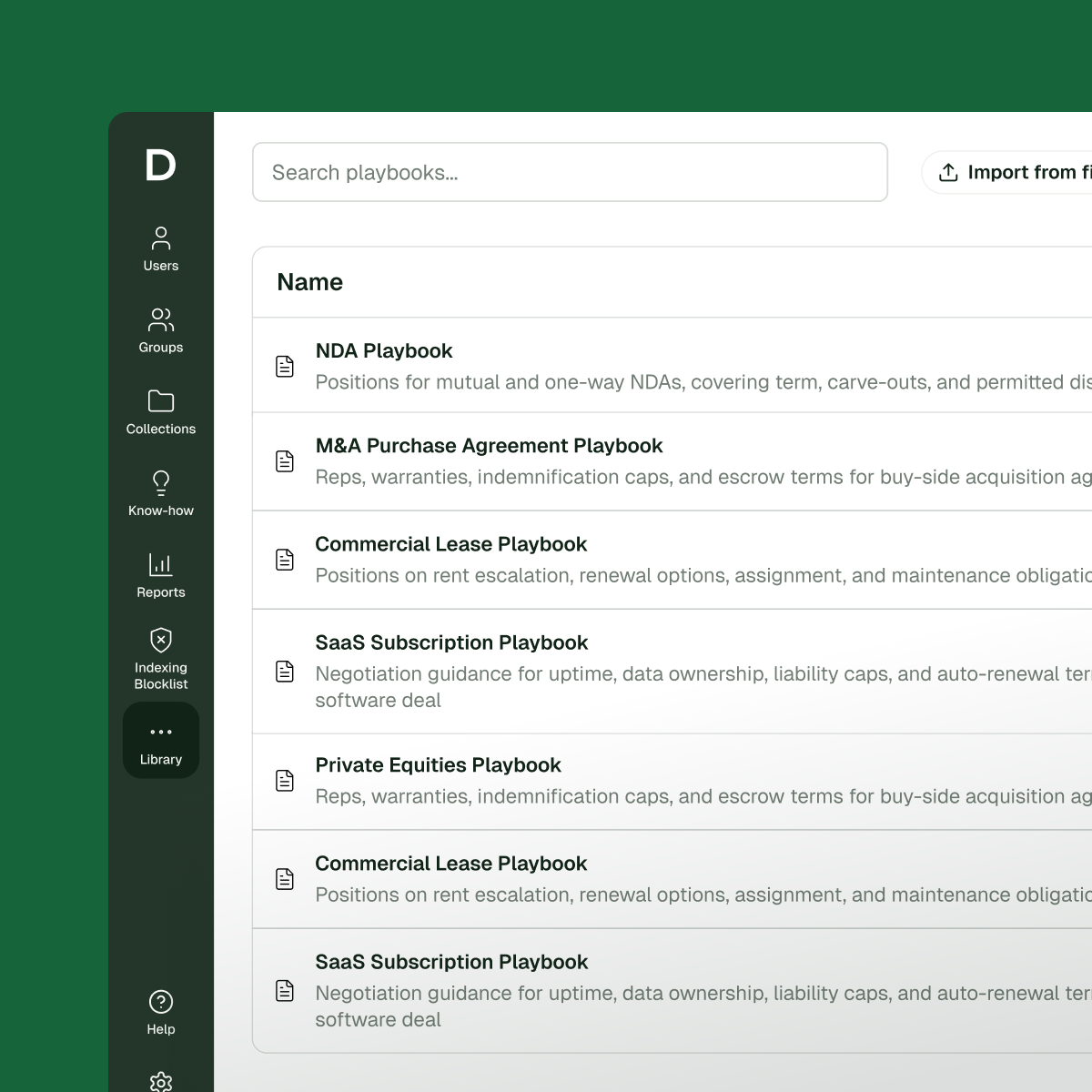
- Search & apply precedent: Surfaces the firm's most relevant clauses, definitions, and prior deal language from its own precedent and incorporates them into the draft with citations back to the source.
- Review & markup contracts: Delivers accurate redlines, reliable clause replacements, and auto-updated definitions so lawyers can move quickly without introducing errors.
- An intelligence layer built on your data: Draftwise learns from your firm's proprietary knowledge, including your deals, your clauses, and your standards, so every recommendation reflects your firm's own judgment.
- Integrates with your firm's precedent and legal data wherever it lives: Connects across DMSs, executed agreements, and knowledge repositories while respecting ethical walls and matter-level permissions.
- Playbook Studio & enforcement: Creates playbooks quickly from your firm's existing precedent and negotiated positions, then applies those standards directly within drafting and negotiation workflows.
Strengths
- Automatically applies firm-wide precedent to every contract, with no manual document selection or connector configuration required
- Purpose-built for contract drafting and negotiation, the core workflow for transactional lawyers
- Works natively inside Microsoft Word and the browser, fitting into existing lawyer workflows
- Keeps teams aligned with firm standards through playbook enforcement
- Uses your existing ethical walls seamlessly within the drafting process
Considerations
- Less suited for isolated, one-off legal tasks that don't depend on contract context
- Not designed for litigation, regulatory compliance, or legal research workflows
- Best value realized by firms/organizations with substantial deal history to draw from
Summary
If you're focused on contracts and want your firm's own deal history and standards applied automatically to every draft, Draftwise is built for that. If you need a broader AI platform spanning legal research, review, and workflow automation across practice areas, Claude for Legal covers more ground.
See what your firm can do with Draftwise
Get in touch to see how firms are using Draftwise to move faster, maintain consistency and standards, and improve decision-making across every stage of the deal process.
Get in TouchCompany Website
Applications